How to Sign a Document on iPhone Without an App (Free Method)
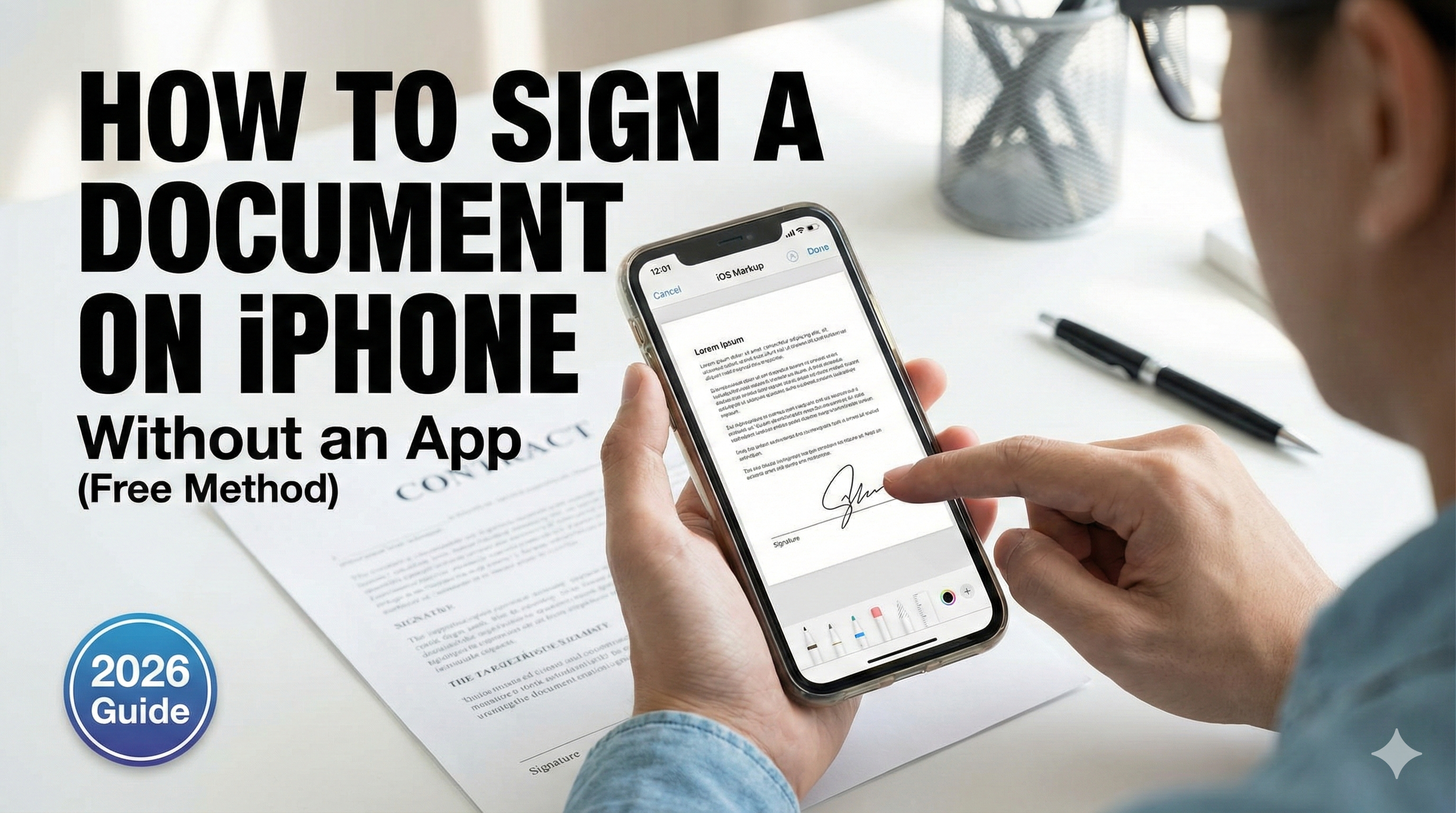
You have a contract or a form that needs to be signed immediately. You are holding your iPhone.
Normally, you would go to the App Store, download a "Scanner App," scan your document, and then realize they want $9.99/month just to let you add a signature.
Stop. You don't need to pay for that.
In this guide, I will show you a 100% free workflow to scan and sign any document on your iPhone using tools you already have: Safari and iOS Markup.
Step 1: Scan the Document (Privacy-First)
First, we need to turn that paper into a digital PDF. We use Instant iPhone Scanner because it runs in your browser and processes images locally (so your sensitive contracts are never uploaded to a server).
- Open Instant iPhone Scanner in Safari.
- Tap "Take Photo" and capture your document.
- The tool will auto-crop and enhance the text.
- Tap "Download PDF" and choose "Save to Files".
Step 2: Open the Built-in Signing Tool
You don't need a third-party app to sign. iPhone has a powerful feature called Markup hidden inside the Files app.
- Go to your home screen and open the Files app (the blue folder icon).
- Find the PDF you just downloaded.
- Tap to open it.
- Look for the Pen Icon (Markup) in the bottom-right or top-right corner.
Step 3: Add Your Signature
Here is the magic trick:
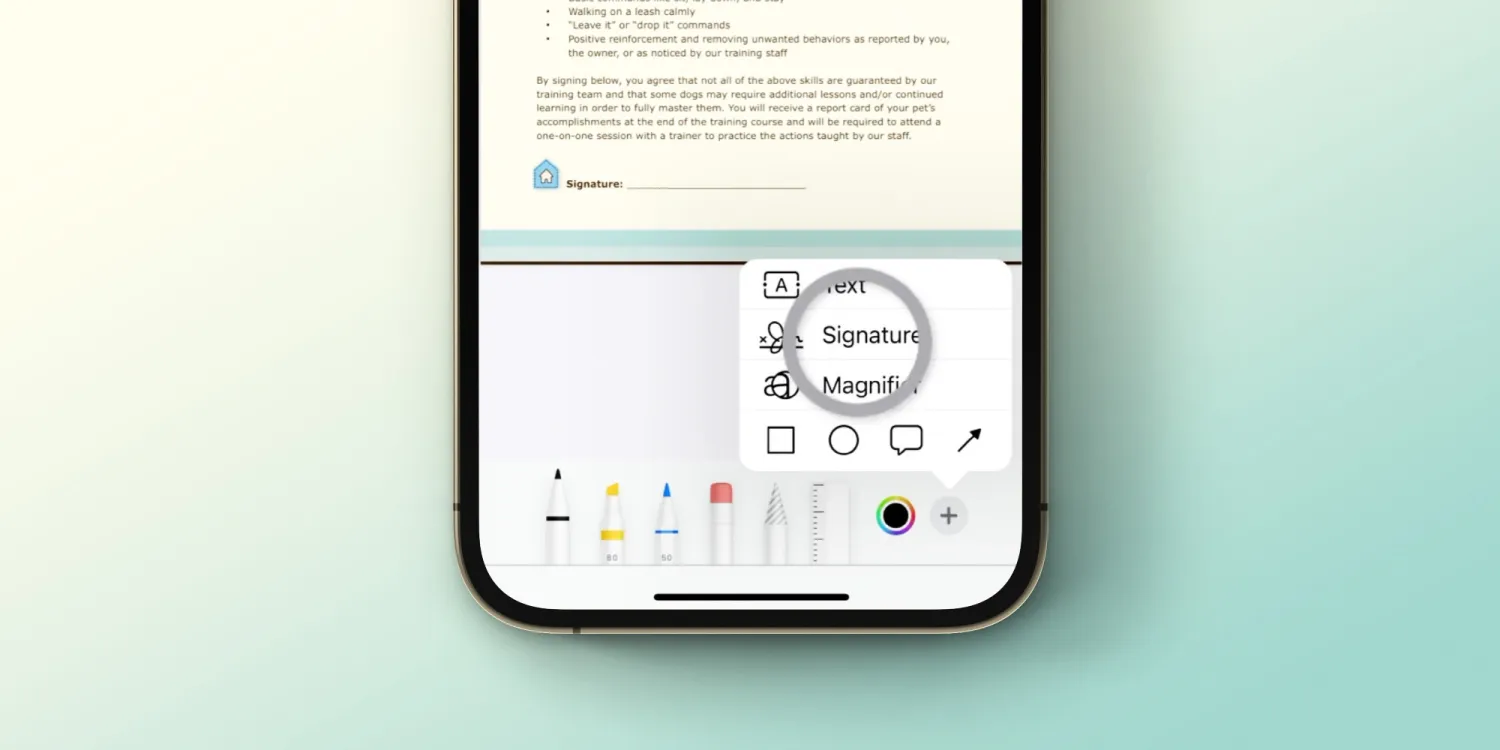
- Tap the "+" (Plus) icon in the Markup toolbar (usually at the bottom right).
- Select "Signature" from the menu.
- If you haven't used it before, use your finger to draw your signature on the screen.
- Tap "Done".
Your signature will now appear as a floating sticker on the document!
Step 4: Position and Save
- Drag the signature to the correct line on the document.
- Drag the blue corner dots to resize it so it fits perfectly.
- Tap "Done" in the top-left corner to save the PDF.
Summary
You just saved $10/month and kept your data private.
- Scanning: Powered by Instant iPhone Scanner (Web-based, Free).
- Signing: Powered by iOS Files (Built-in).
Need to sign legally binding contracts? If you are signing high-stakes business agreements that require an audit trail, this free method might not be enough. For those cases, we recommend using professional tools like DocuSign or Adobe Sign. But for everyday receipts, permission slips, and simple forms, the method above is perfect.